The whole platform, screen by screen
Repody covers the entire chain: describe the documents, write the rules, run, review, integrate. Every capability below exists in the product today.
Workflow builder
A workflow describes the documents you receive, the fields to read and the rules to check. It is built without code, in three steps.
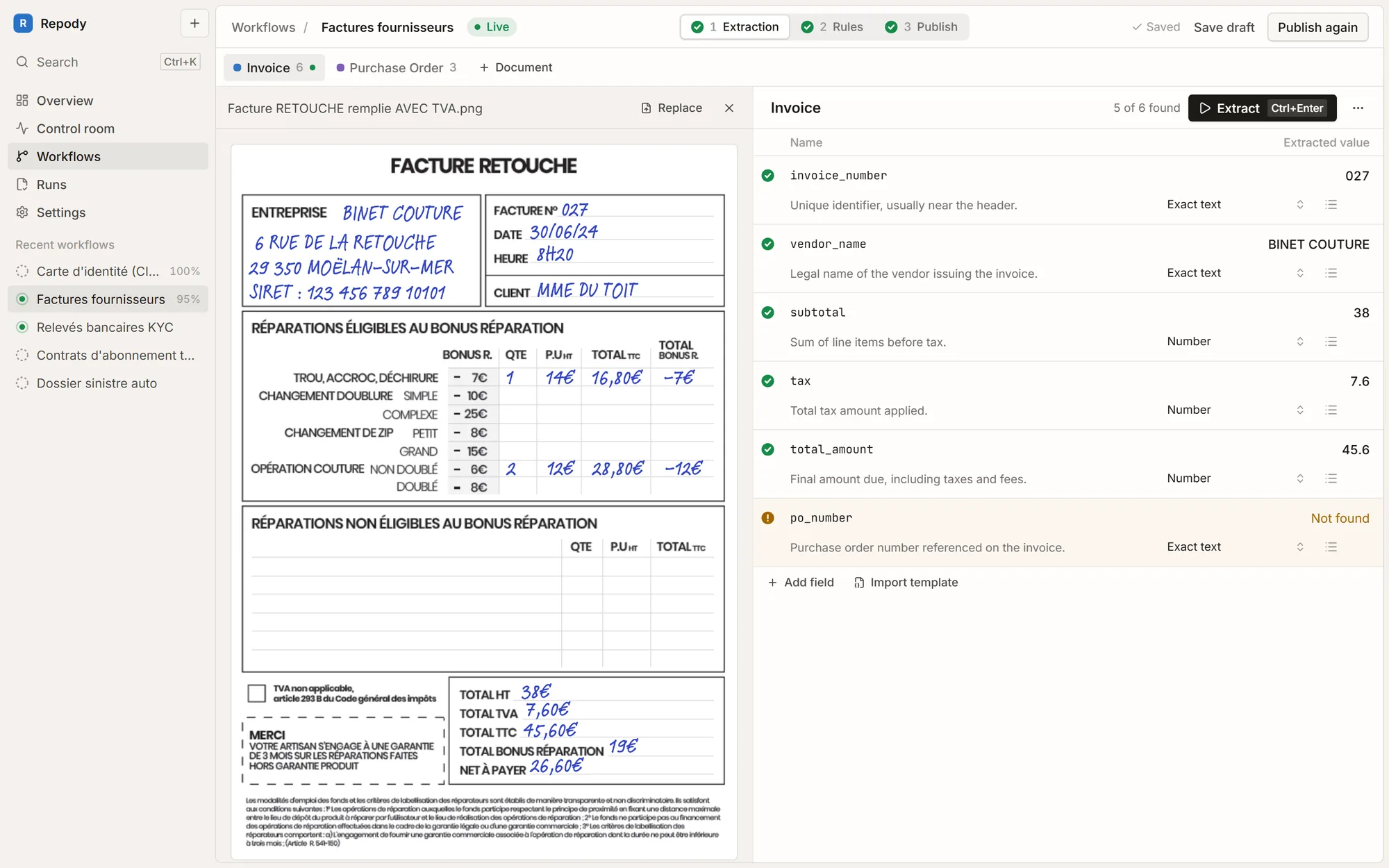
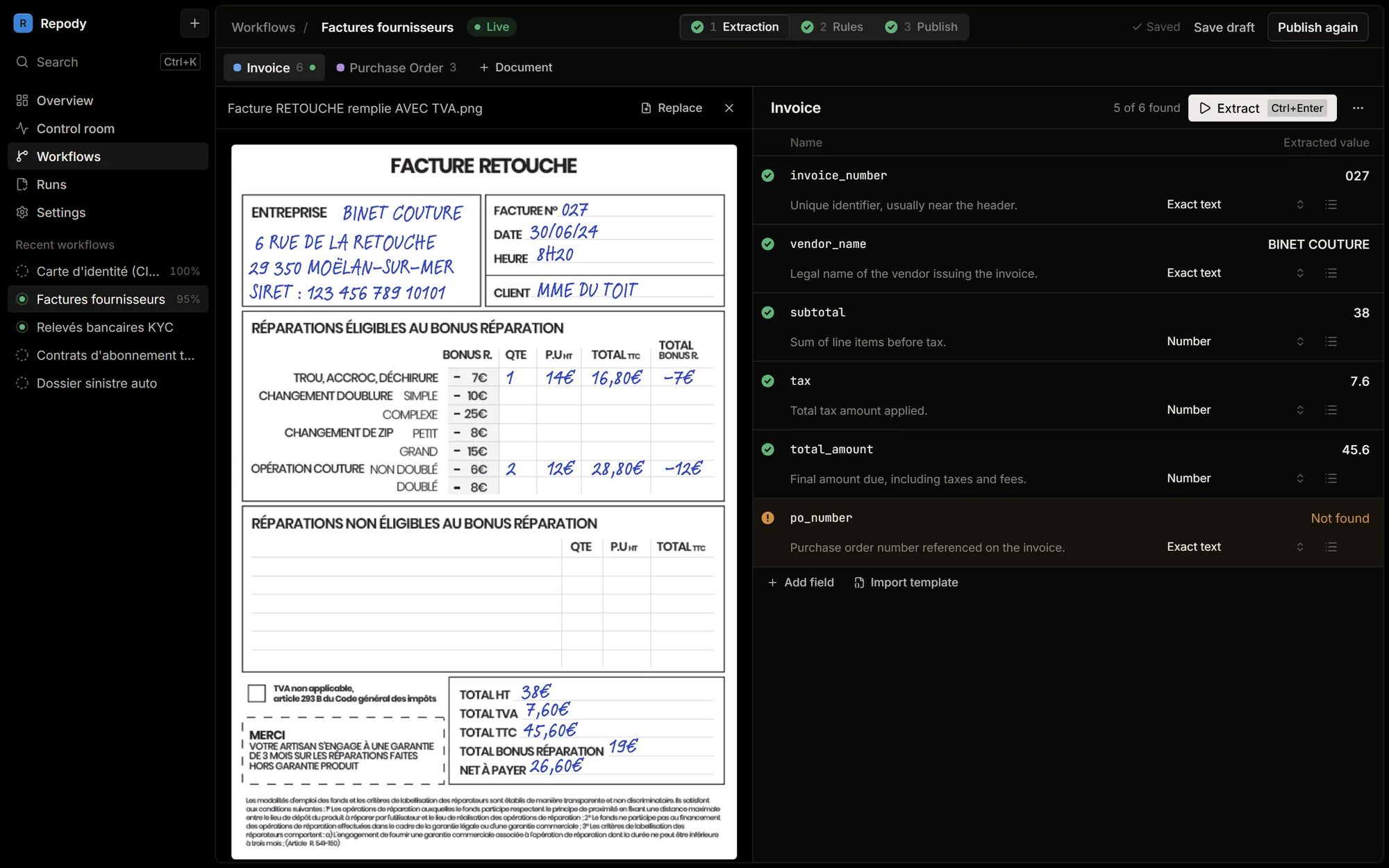
Documents and fields
Each document has a name and its list of fields. Cells are edited in place, like text.
24 field types
Exact or normalised text, numbers, integers, amounts, dates, times, durations, booleans, IBAN, BIC, email addresses, phone numbers, countries, languages, URLs, unit codes. Every simple type also comes as a list.
Structures
Lists of values, choices from a list (enum and multi-enum), nested objects and tables of rows with their columns.
Model instructions
Guidance specific to each document, on top of each field's description.
Examples that teach
Up to five worked examples per document, an input and the expected answer, show the model your layouts and conventions.
Full transcription
A document with no fields is transcribed whole into Markdown, tables included, and kept with the report.
JSON template import
Paste an existing JSON template: fields, types and structures are created at once.
Draft and publish
A workflow saves as a draft; publishing creates its API key. Every run keeps the definition it used.
The 24 field types
Every simple type also comes as a list: several dates, several amounts.
Common11
- Exact text
verbatim-stringCopy text exactly as it appears in the document - Text
stringGeneral text; light paraphrasing is allowed - Whole number
integerA number without decimals, e.g. 3 - Number
numberAn integer or decimal, e.g. 12.50 - Date
dateCalendar date in ISO format (YYYY-MM-DD) - Time
timeTime of day in ISO format - Date and time
date-timeDate and time in ISO format - Yes / No
booleanTrue or false - Currency code
currencyThree-letter currency code, e.g. EUR or USD - Email address
email-addressA valid email address - Phone number
phone-numberPhone number in international or local format
Structures4
- Object group
objectNamed nested fields (e.g. holder_information) - Repeating rows
object-arrayOne JSON object per table row (e.g. invoice line items) - Choice (enum)
enumPick one value from a fixed list - Multi-choice
multi-enumPick zero or more values from a fixed list
Advanced9
- Duration
durationA length of time in ISO format - Country code
countryTwo-letter country code, e.g. FR or US - Language code
languageThree-letter language code - Language tag
language-tagBCP 47 language tag, e.g. fr-FR - Script code
scriptWriting system code, e.g. Latn - Web address
urlA URL or web link - IBAN
ibanInternational bank account number - BIC / SWIFT
bicBank identifier code - Unit of measure
unit-codeStandard unit code, e.g. kg or m
Business rules
A rule says what must be true. It reads as a sentence: on these documents, passes when, if it fails.
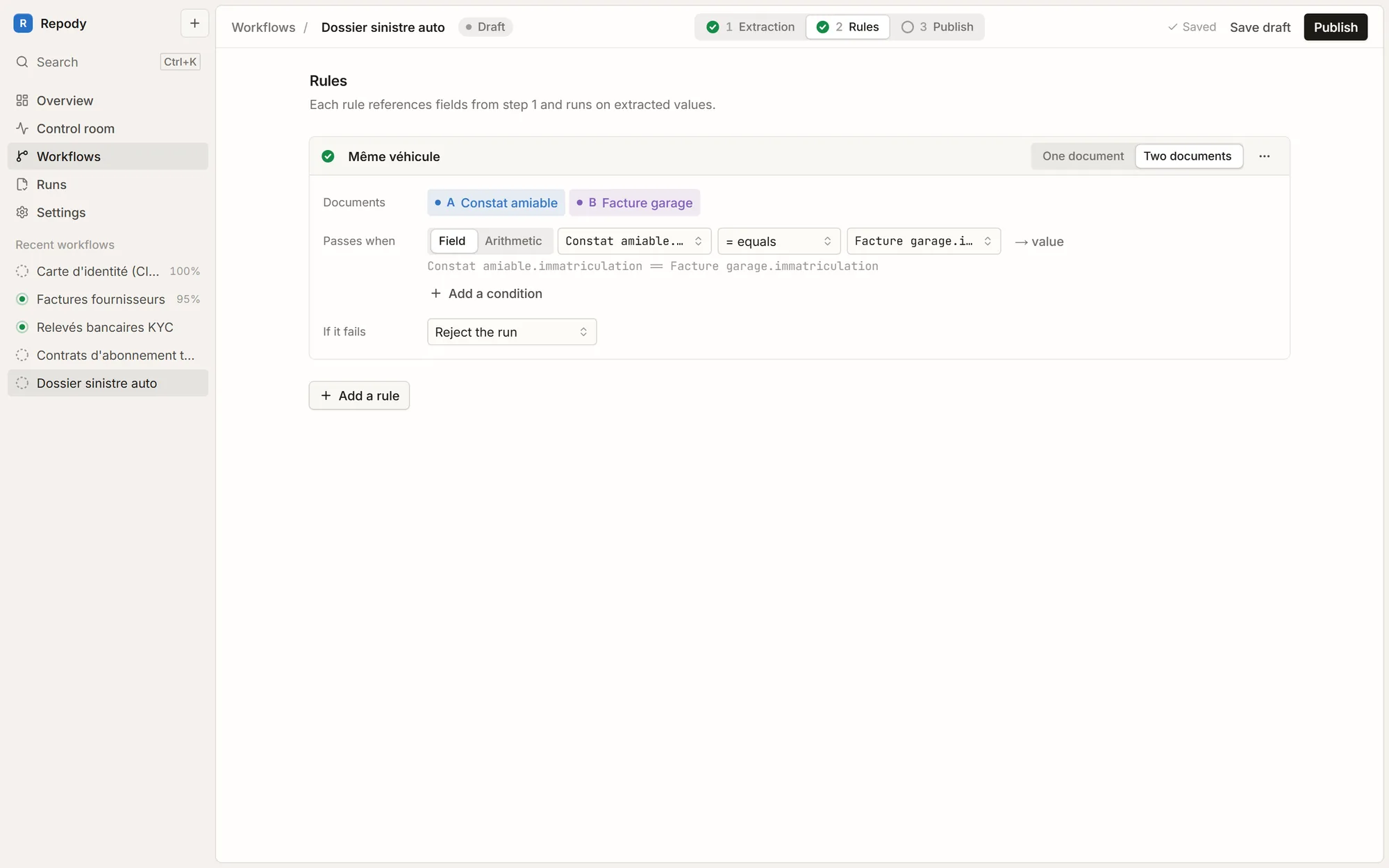
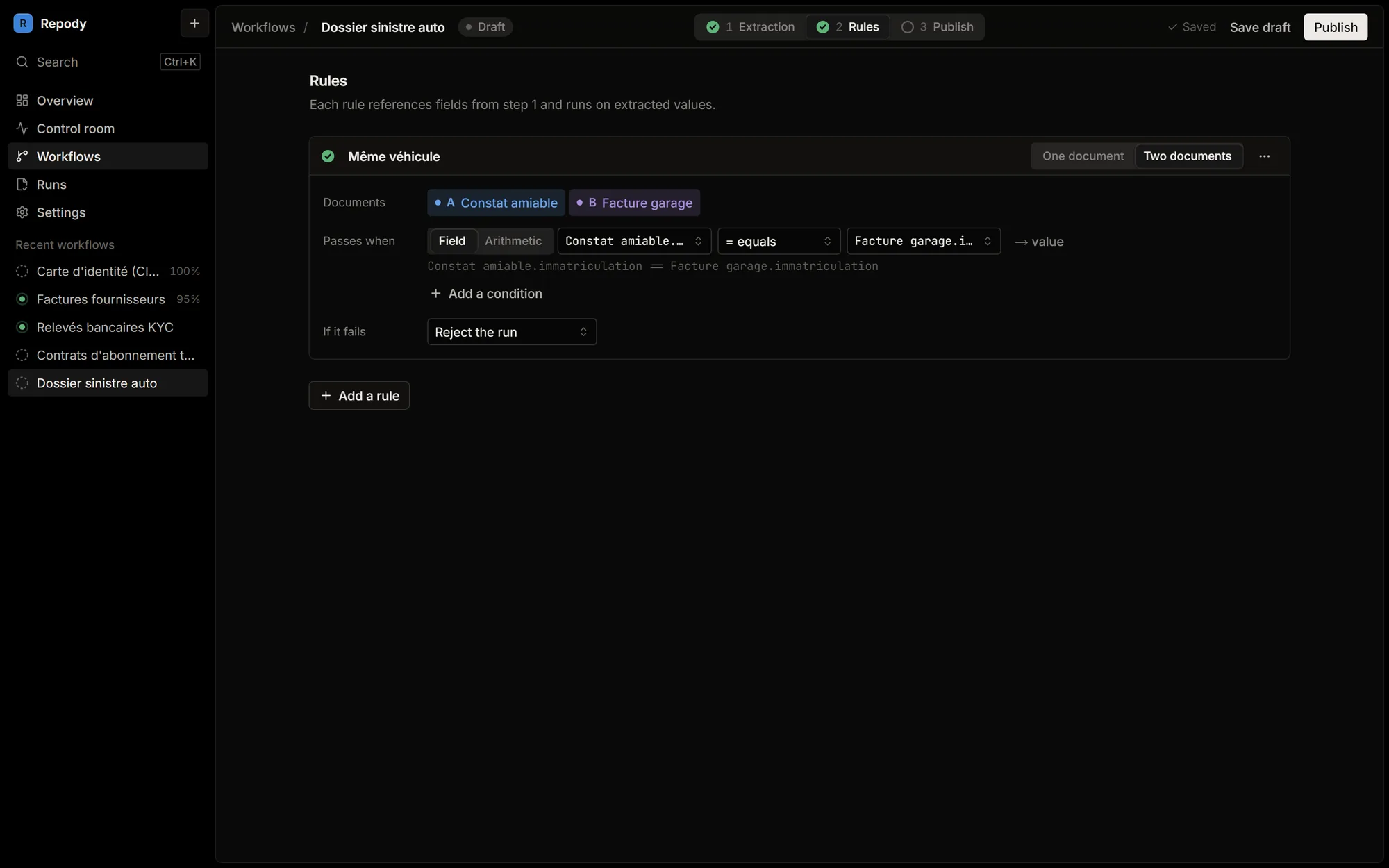
Ten operators
Equals, not equals, greater, greater or equal, less, less or equal, in a list, not in a list, exists, is empty.
Arithmetic
Add, subtract, multiply or divide two number fields before comparing: “net + VAT = total”.
Table aggregates
Sum of rows, sum of filtered rows, count of filtered rows: to reconcile a total with its lines.
One or two documents
A rule checks one document, or compares two documents of the same file: accident report and invoice, contract and purchase order.
Reject or flag
A failure rejects the run, or flags it for human review. A reject rule that cannot be checked, because a value was not read, sends the run to review.
Checked as you write
Each condition shows the exact check the API will run, and errors appear before publishing.
Operators and arithmetic
What a condition can check, and what it can calculate before comparing.
==equals!=does not equal>greater than>=greater than or equal to<less than<=less than or equal toINin the listNOT_INnot in the listEXISTSpresentIS_EMPTYempty
Calculations
+ − × ÷between two numeric fieldssum_rowssum of a table columnsum_rows_wheresum of the rows that meet a conditioncount_rows_wherenumber of rows that meet a condition
Runs and live tracking
A run processes the files sent: extraction, rule checks, report. You watch it progress step by step.
Tests from the builder
Drop one file per document and run the workflow as it is on screen, without publishing it.
Live timeline
Queue and position, model start, each document's extraction, rules, saving: every step with its duration.
GPU start made visible
When the model was asleep, the step says so and shows the usual duration, instead of a silent wait.
Documents in parallel
A run's documents are extracted at the same time, within the limit set for the model server.
Clear limits
20 files and 25 MB per file by default, the type checked from the content (PDF, PNG, JPEG, WebP), and a document too long for the model refused at once, with the reason, before anything is charged.
Runs that recover
A worker that stops or a database that restarts mid-run: the run starts over by itself and is charged once. A run the queue lost is failed and its credits released.
Reports
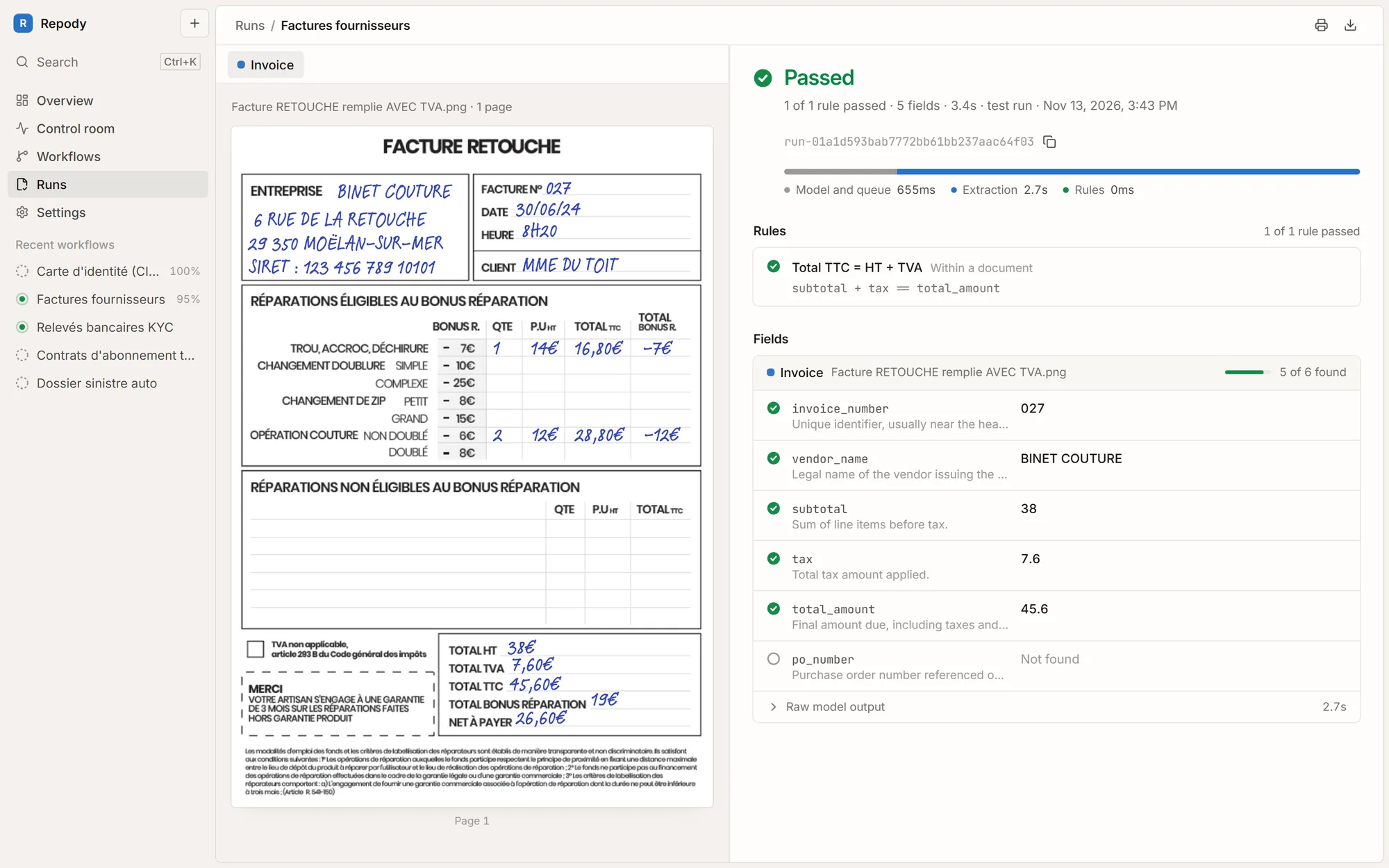
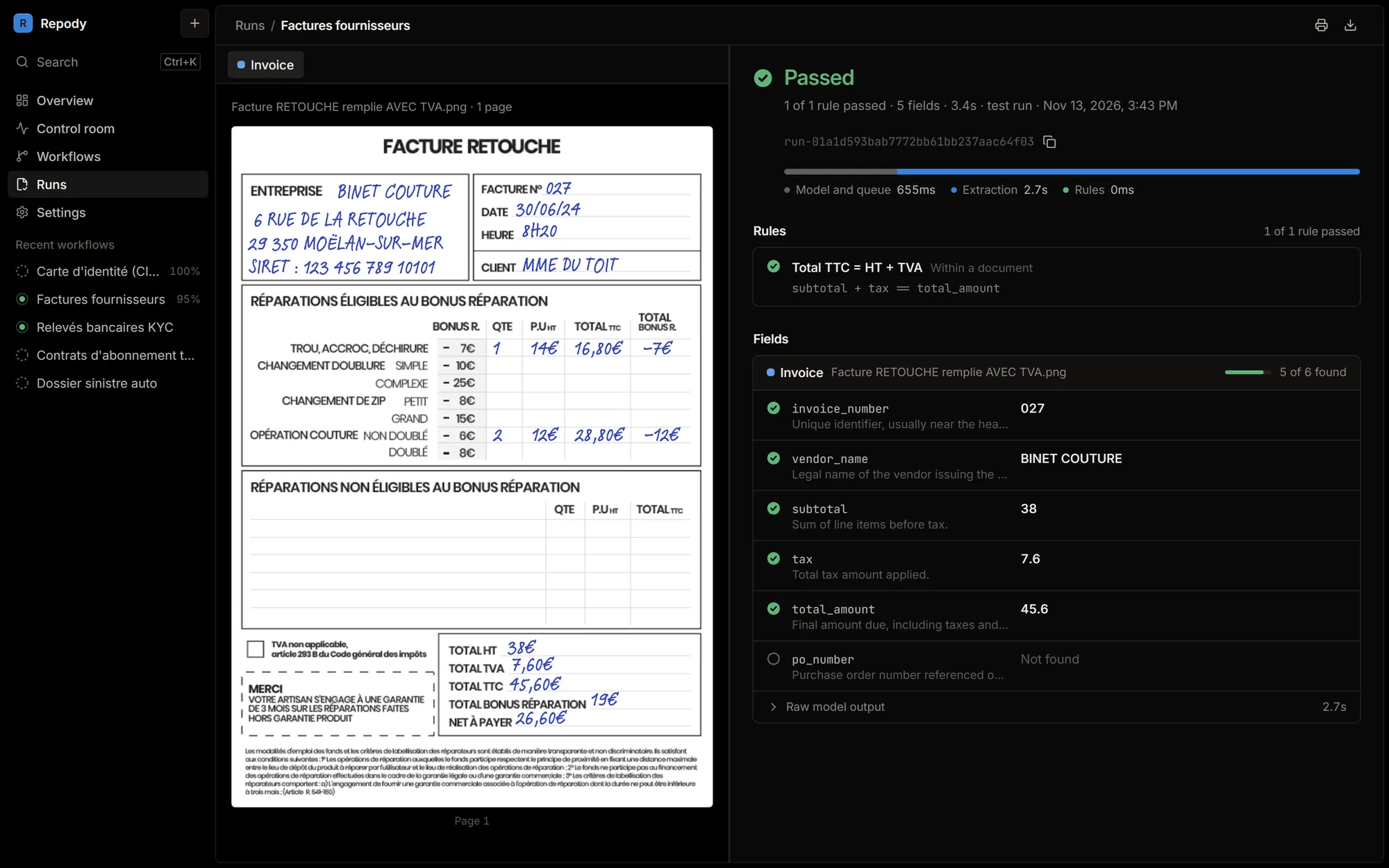
The report says what happened in one line, then shows every value and every rule.
A readable verdict
Passed, needs review or rejected, with the rules passed, fields extracted, duration and source.
Fields as a ledger
Every field on its line with its mark: found, not found, failed. The rule at fault is written beside the value.
Detailed rules
Failures first, with their severity, the evaluated expression and the explanation.
Raw model output
The JSON returned by the model, as preview or source, ready to copy.
Print and export
Clean printing to PDF and CSV export of one report or a whole filtered list.
Truncated pages flagged
If a document exceeds the page limit, the report says how many were read.
The pages beside the values
Each document's pages are shown next to its fields, rendered for the screen: a value is checked against its page at a glance.
Where to look
A field that a rule could not check is flagged, and the list names the rule: the reviewer knows where to look.
Integration API
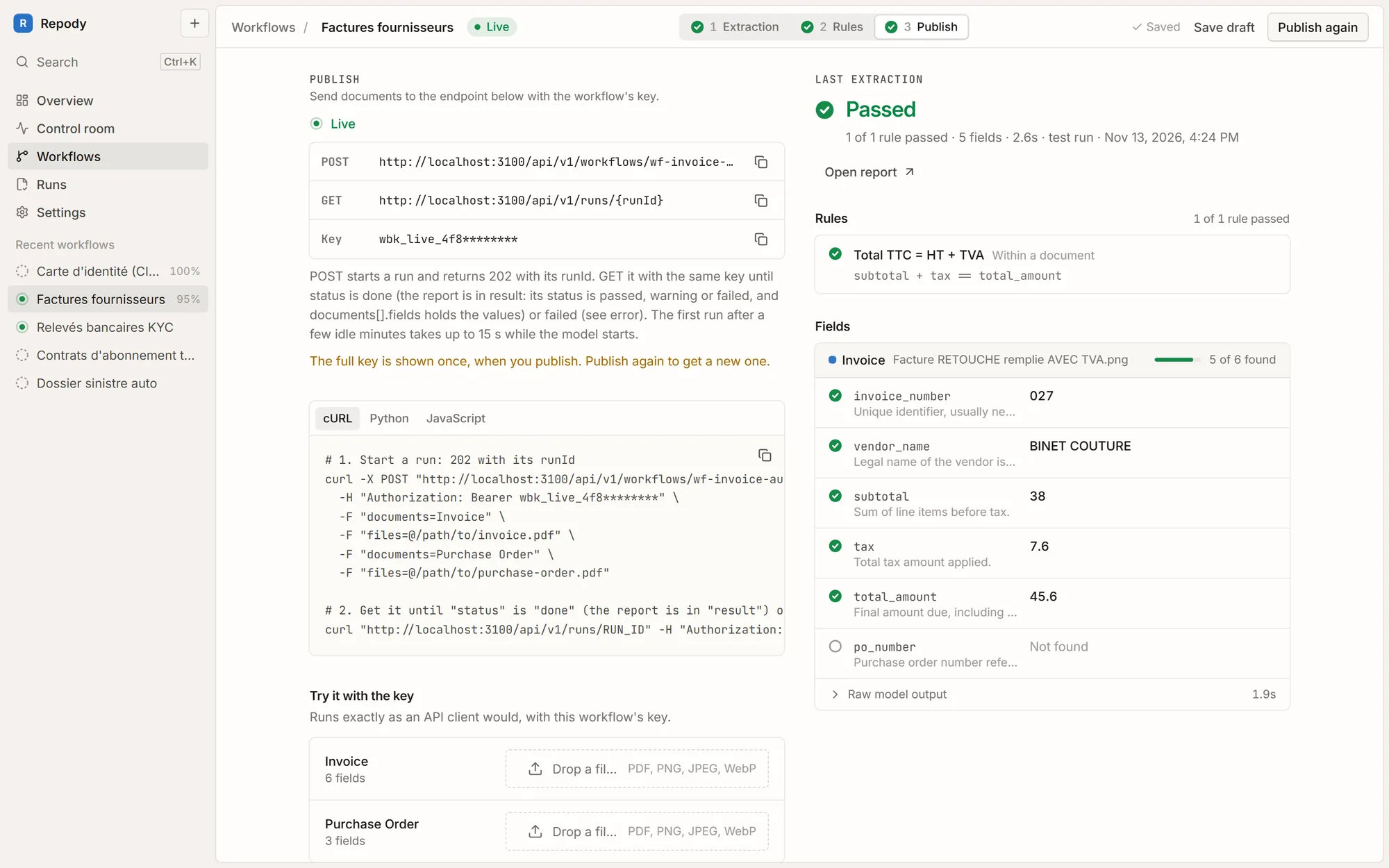
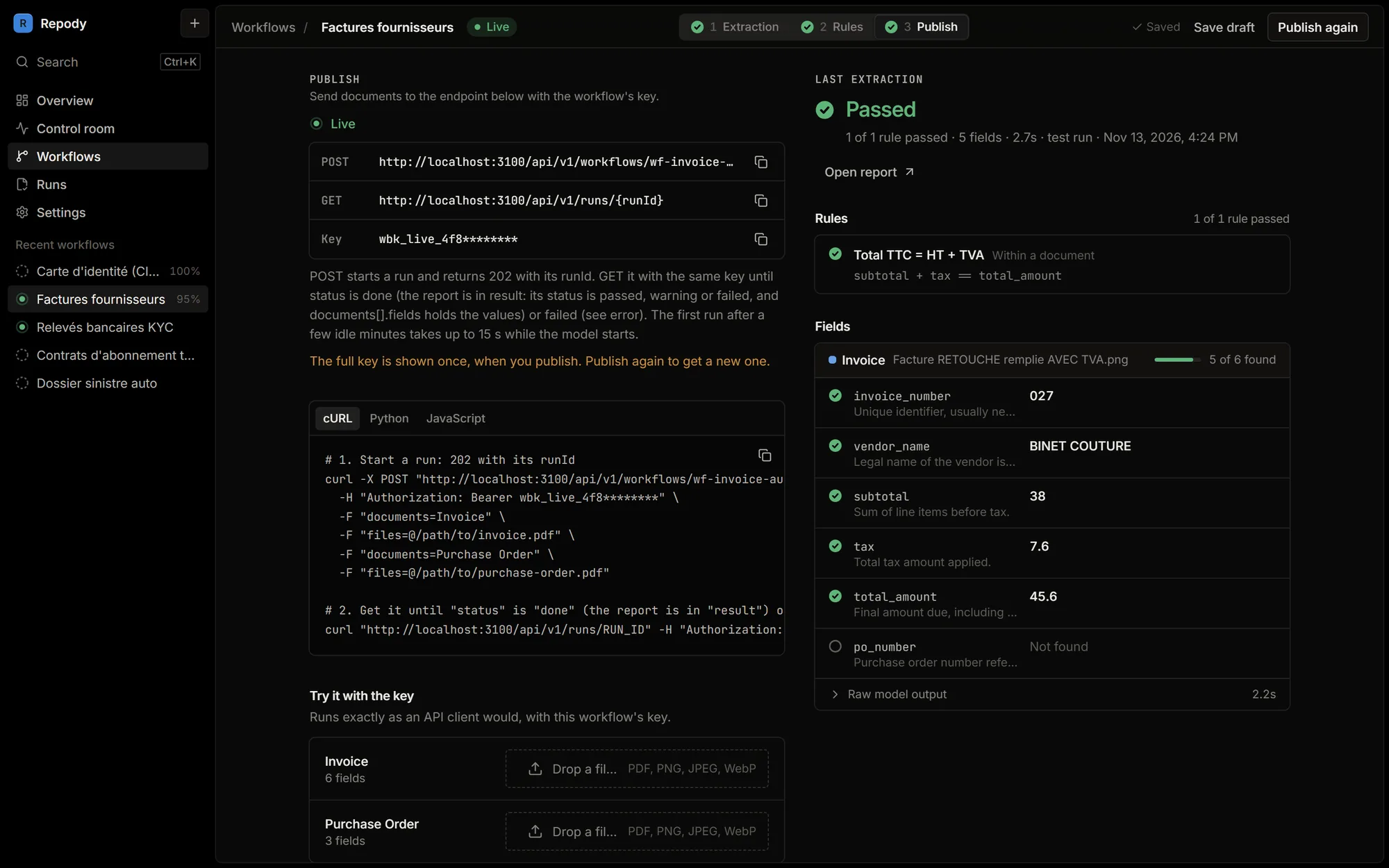
Your systems send documents and read verdicts through a REST API. The interface generates the examples for every workflow.
curl -X POST "https://app.repody.com/api/v1/workflows/wf-3c7a52d0/runs" \
  -H "Authorization: Bearer $REPODY_KEY" \
  -F "documents=Facture" -F "files=@facture.pdf" \
  -F "documents=Bon de commande" -F "files=@commande.pdf"
HTTP/1.1 202 Accepted

{ "runId": "run-01a1d3", "status": "queued" }curl "https://app.repody.com/api/v1/runs/run-01a1d3" \ -H "Authorization: Bearer $REPODY_KEY"
HTTP/1.1 200 OK

{
  "status": "done",
  "result": {
    "status": "warning",
    "summary": {
      "total": 6, "passed": 5, "failed": 1,
      "fieldsExtracted": 18
    },
    "documents": [ … ],
    "ruleResults": [ … ]
  }
}
Two calls
POST sends the files and answers 202 with the run id; GET reads its state, then its report.
One key per workflow
The key only reaches its workflow and its runs, nothing else.
Ready examples
cURL, Python and JavaScript, with the workflow's address and key, copied in one click.
Controlled throughput
Per client, runs per minute and runs in progress are capped: extra runs wait their turn and clients take turns. Past the queue's depth, the API answers 503 with Retry-After.
Typed contract
OpenAPI specification generated from the code and checked in CI; the interface derives its types from it.
Try it from the interface
Start a run with the real key, exactly like an API client.
Safe retries
With an Idempotency-Key header, a retried request returns the run it already started: a network error never processes or bills a document twice.
Clear refusals
402 when the account has no credits left, 413 for a file too large, 422 with the reason for a file or a request the model cannot read.
Overview
The home page starts with what needs a person.
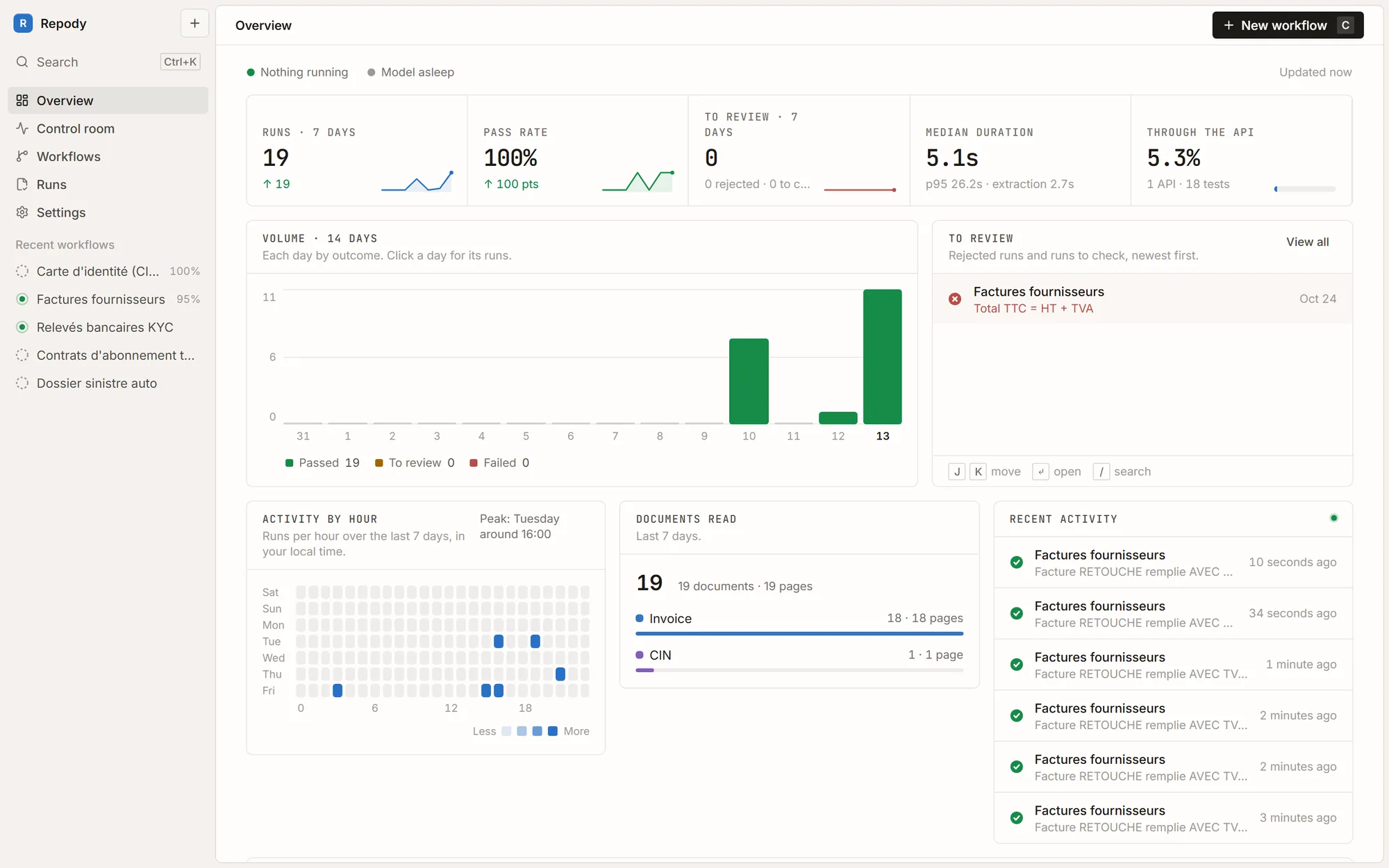
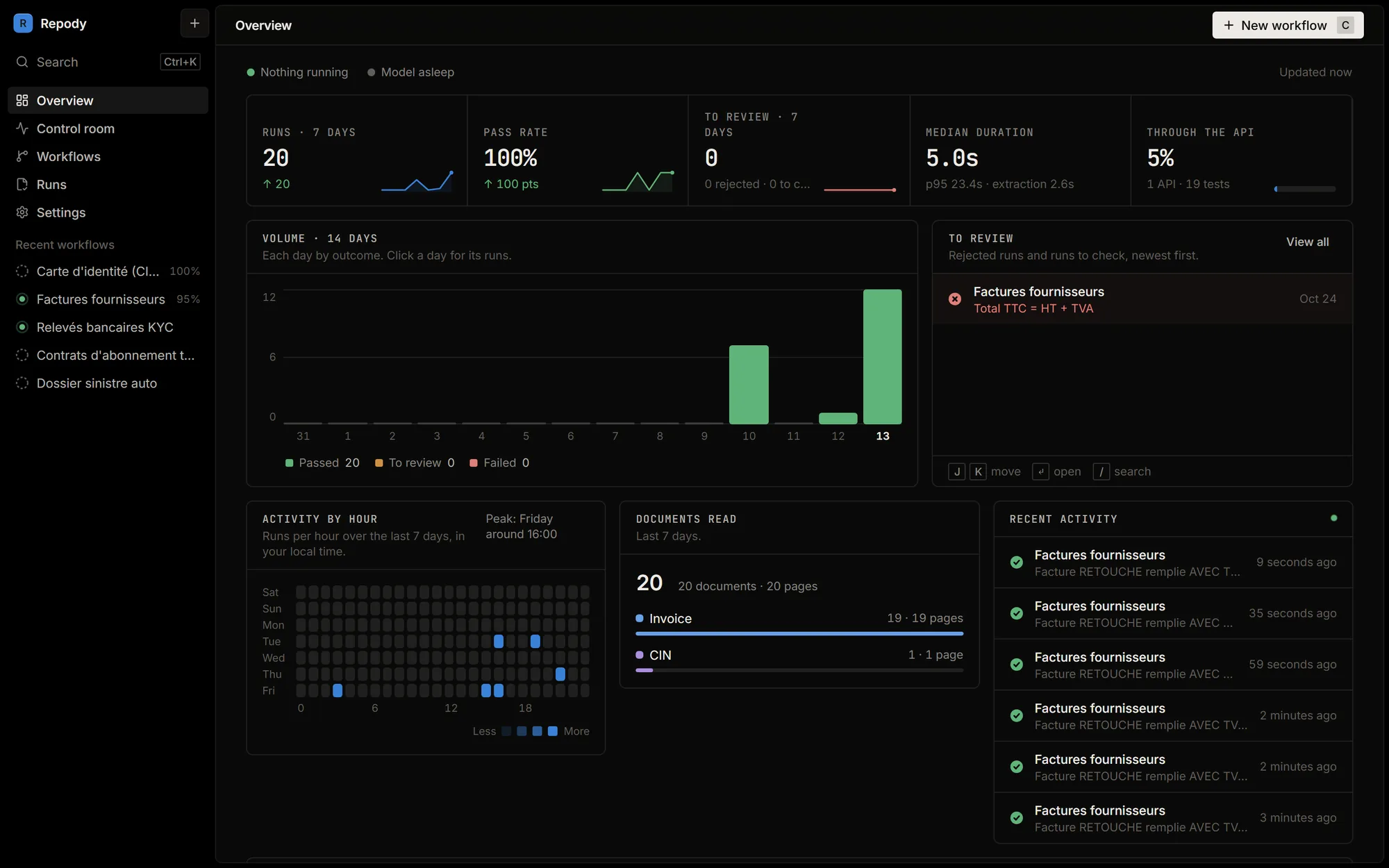
Needs review
Runs whose rules failed or could not be checked, oldest first.
The week in numbers
Runs, pass rate and rule failures, compared with the previous week.
Volume per day
Each day leads to its runs.
Queue status
Runs in progress and waiting across the platform, so a wait explains itself.
Control room
What is running, what broke and how fast runs go: the page operators keep open.
Runs in flight
Every queued or running run with its live step, its files and how long it has been going.
Stop a run
Cancel a run from the list: its queue task stops and it is settled like any failure.
What broke
The last day's failed runs, each with its reason in plain words.
Throughput
Runs finished and failed, hour by hour, over the last 24 hours.
Durations
Median and 95th-percentile run time, and the model's share of it.
The whole queue
Runs waiting and in progress across the platform, so a wait explains itself.
Clients, users and credits
One installation serves several client companies. Each sees only its own work, and pays for it with the credits you grant.
Client companies
A client is a group in your identity provider. Its users see only its workflows, runs and audits; a user outside every client sees nothing.
Users and roles
Invite users by email, choose their role, reset a password, disable or remove an account, all from the admin area.
Credits by the page
One credit is one page read by the model, plus a fee per run. A run holds its estimate when it starts and pays the pages actually read.
No surprise bills
A run the account cannot pay is refused before anything is uploaded, and the user is offered a way to ask for more credits.
Usage and spend
Credits, runs and pages per client, and an estimate of the GPU cost, for the period you choose.
Access requests
Prospects ask for an account from your public site, protected by Turnstile; you approve them into a client in one step.
An audit log
Every admin action, who did it, to which client and when, kept for good.
Shared examples
Example workflows every client can read and duplicate, but never change.
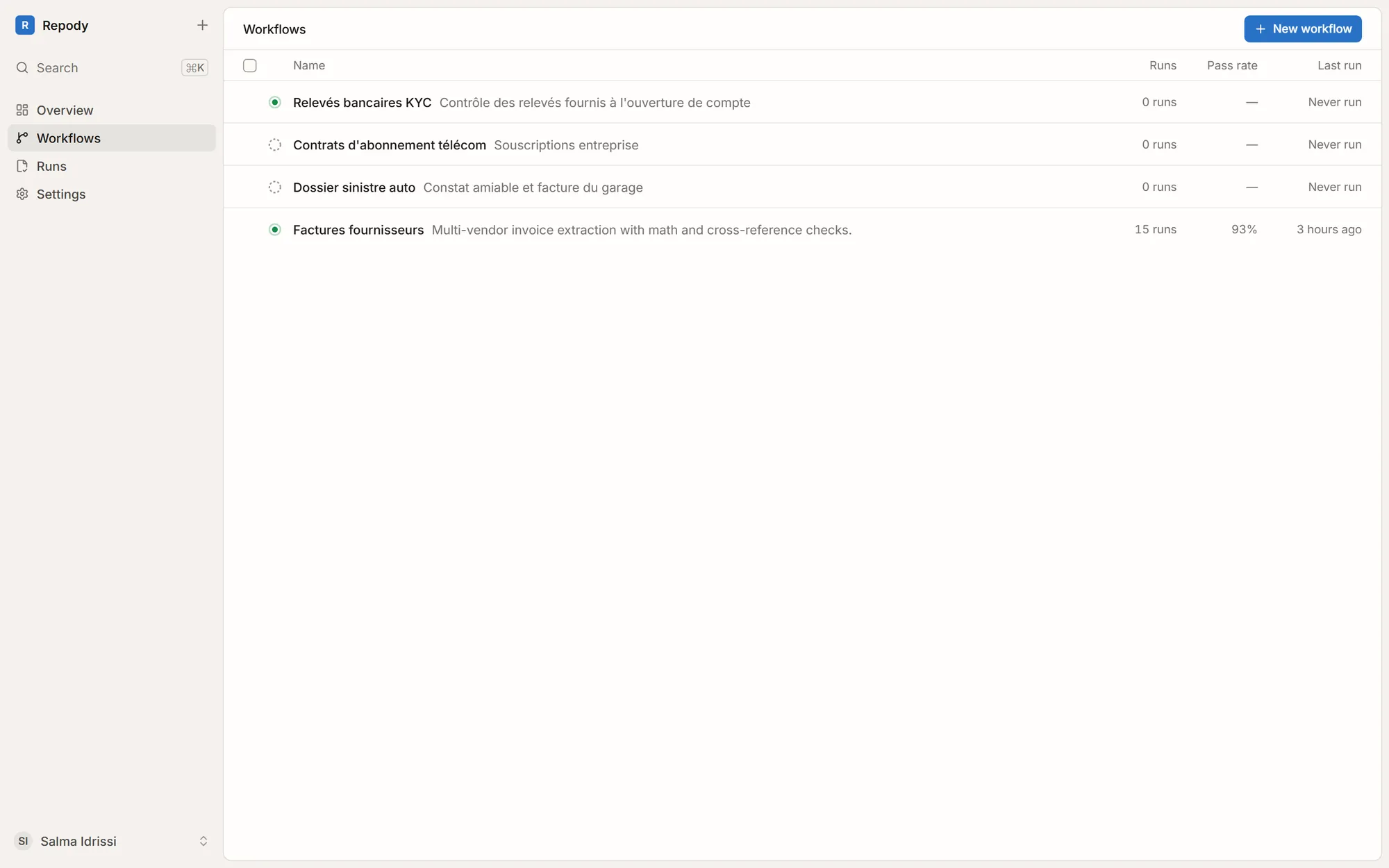
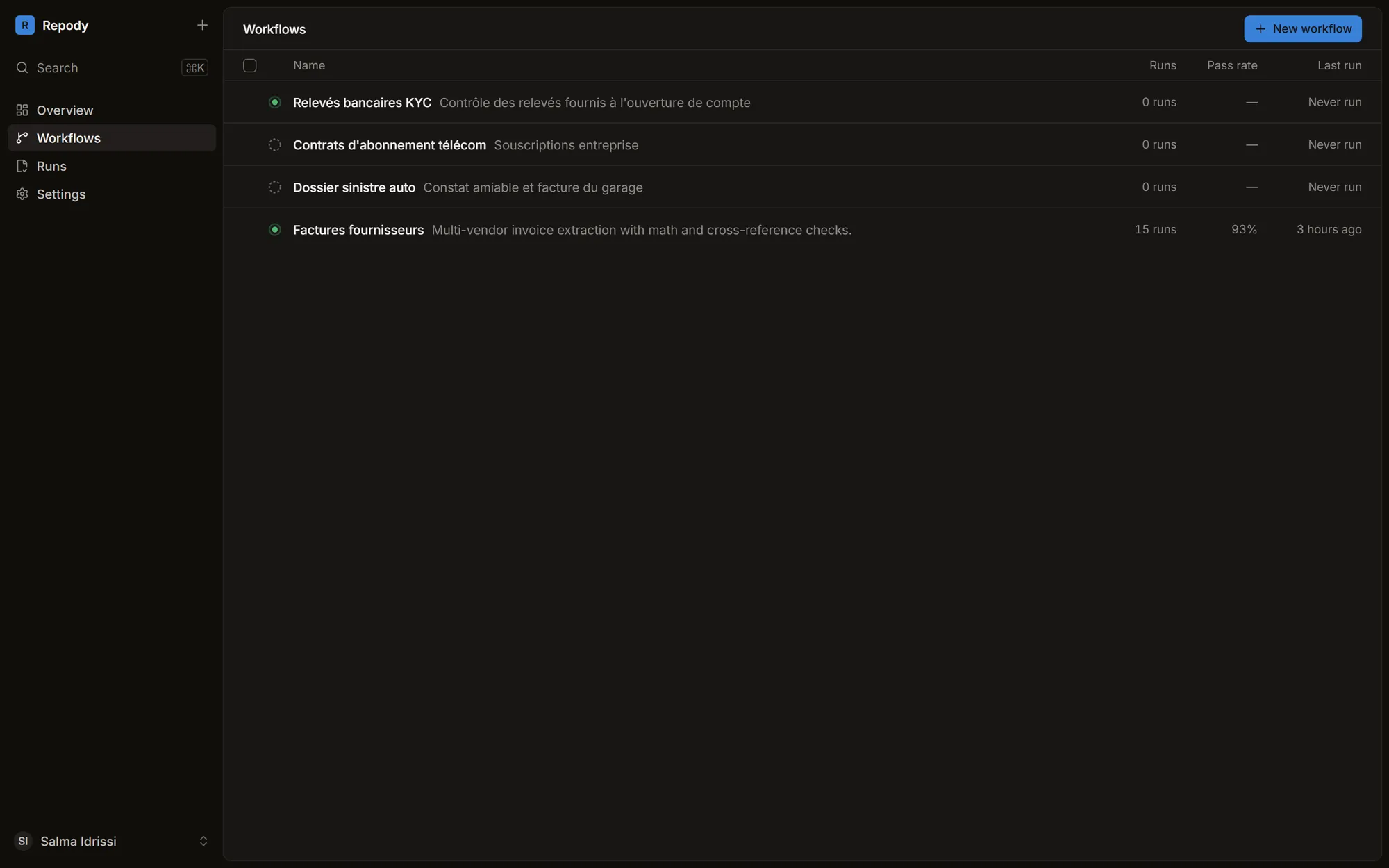
An interface for daily work
Every detail serves operators who spend their day in the tool.
Command palette
⌘K or / to jump to any workflow, recent run or page, and to create a workflow.
Two languages
French and English, local date and number formats, the reader's time zone.
Light, dark or system
The theme follows your choice or your computer's.
Keyboard first
Keyboard navigation, visible focus, checked contrast, reduced motion when your system asks for it.
Mobile
Every page stays usable on a phone.
Bulk delete
Select several workflows and archive them together, with confirmation.
See Repody on your own documents
A 30-minute demo, then a pilot on your files and your rules.